
Most Popular
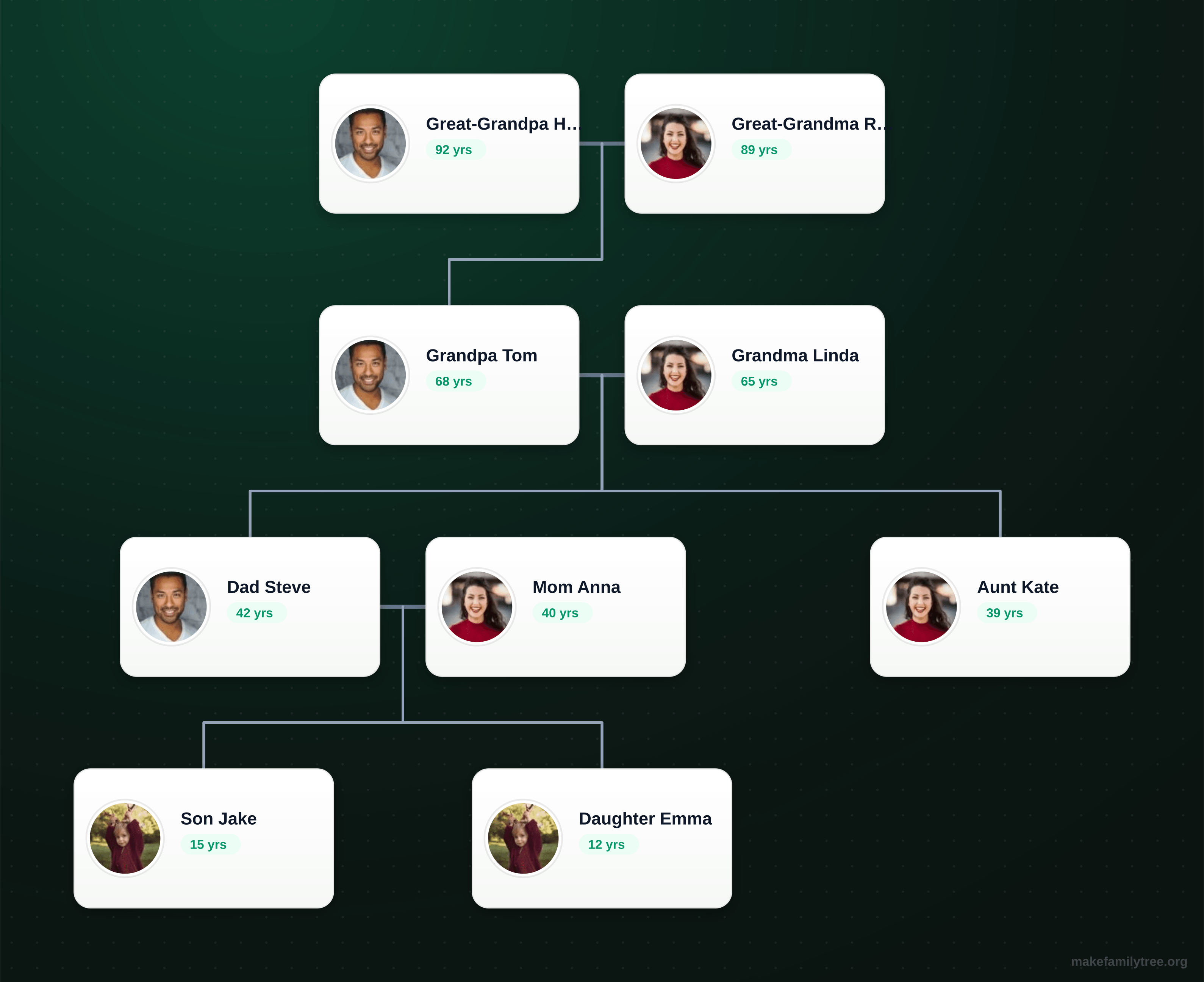
Four Generation Family Tree
A ready-made 4-generation structure from great-grandparents to grandchildren. Edit names in minutes.
Best for: Classic ancestor charts and printable keepsakes
9 Free Family Tree Templates
Each preview shows the exact layout you get in the editor. Pick the structure that matches your family, open it in one click, then replace names and photos with your own. No sign-up, no download.
A ready-made 4-generation structure from great-grandparents to grandchildren. Edit names in minutes.
Best for: Classic ancestor charts and printable keepsakes
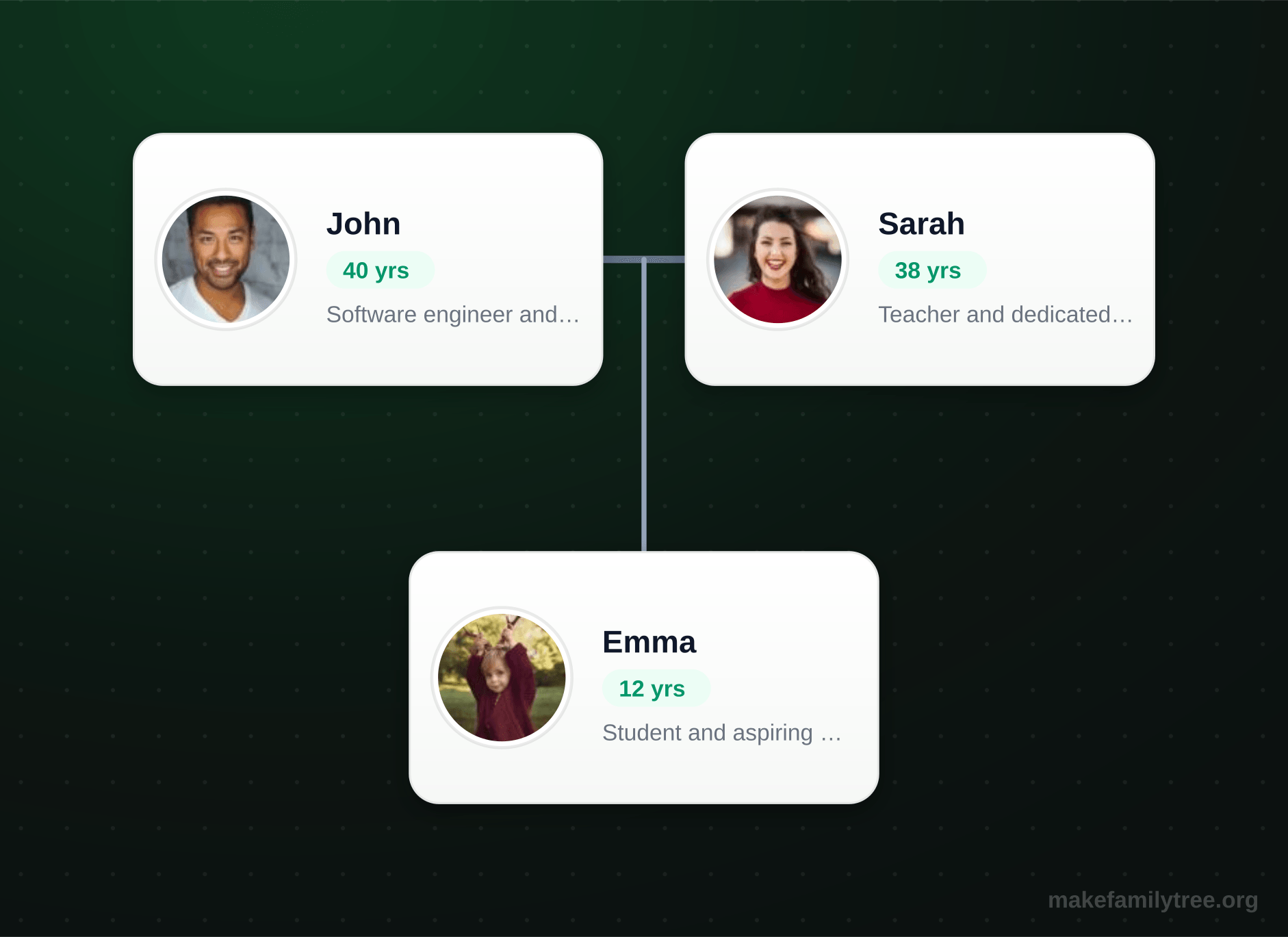
A clean three-generation starting point with parents and children. The best all-purpose baseline.
Best for: General-purpose family tree building
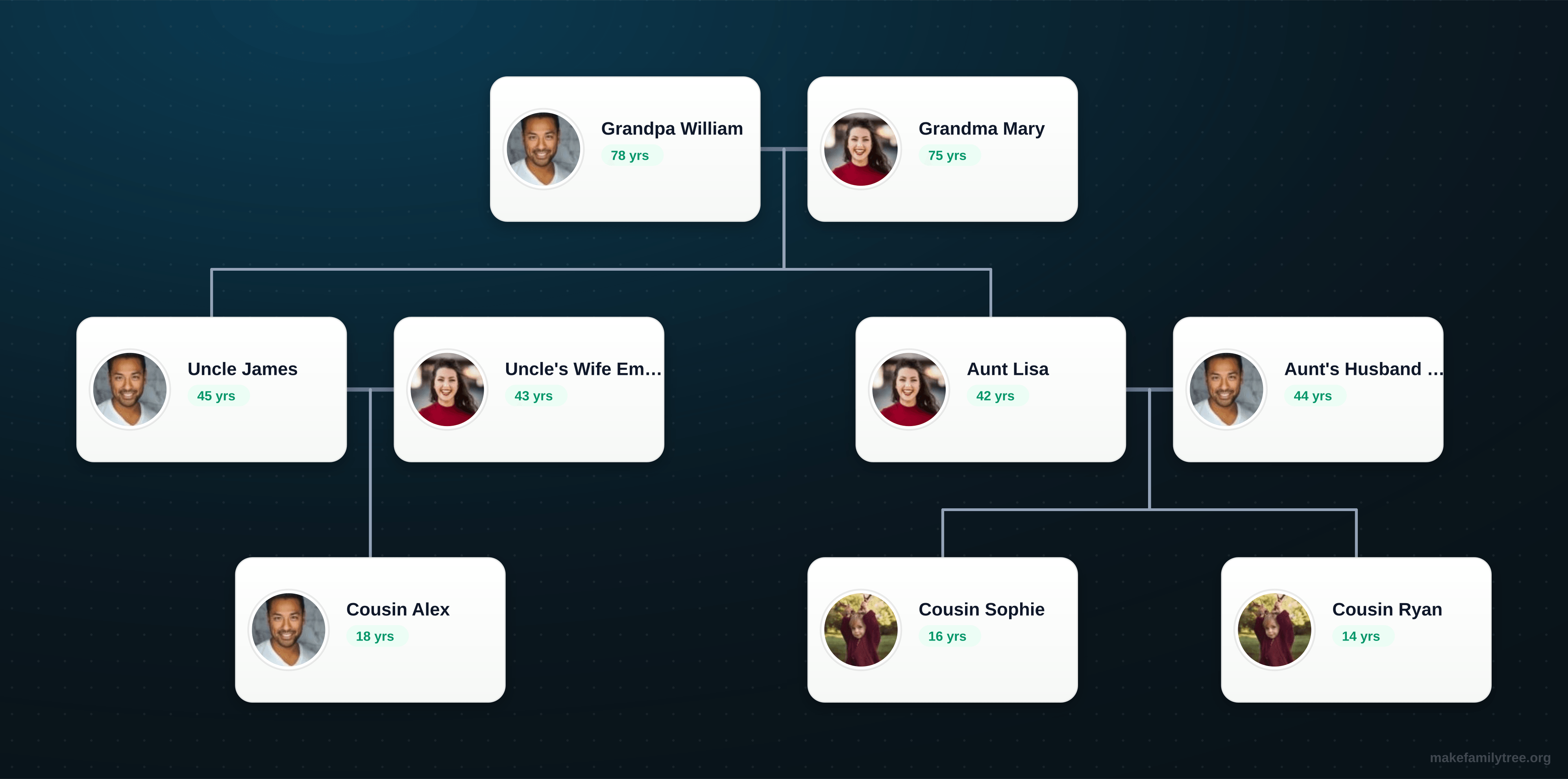
Includes uncles, aunts, and cousins across multiple branches already connected for you.
Best for: Reunion projects and broader family documentation
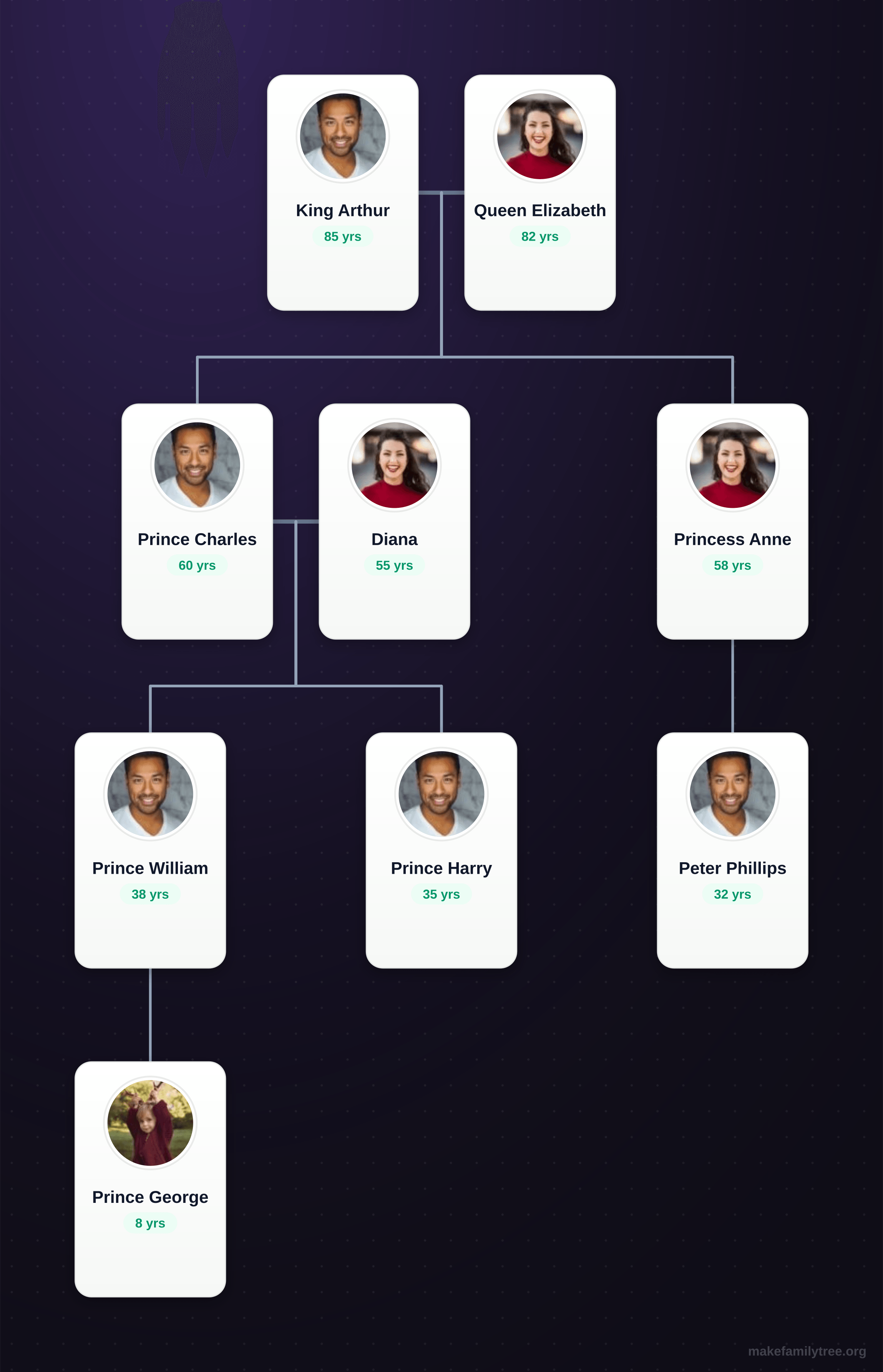
A large multi-branch template for complex, dense family lines with many descendants.
Best for: Large branches, historical lines, and dense relationships
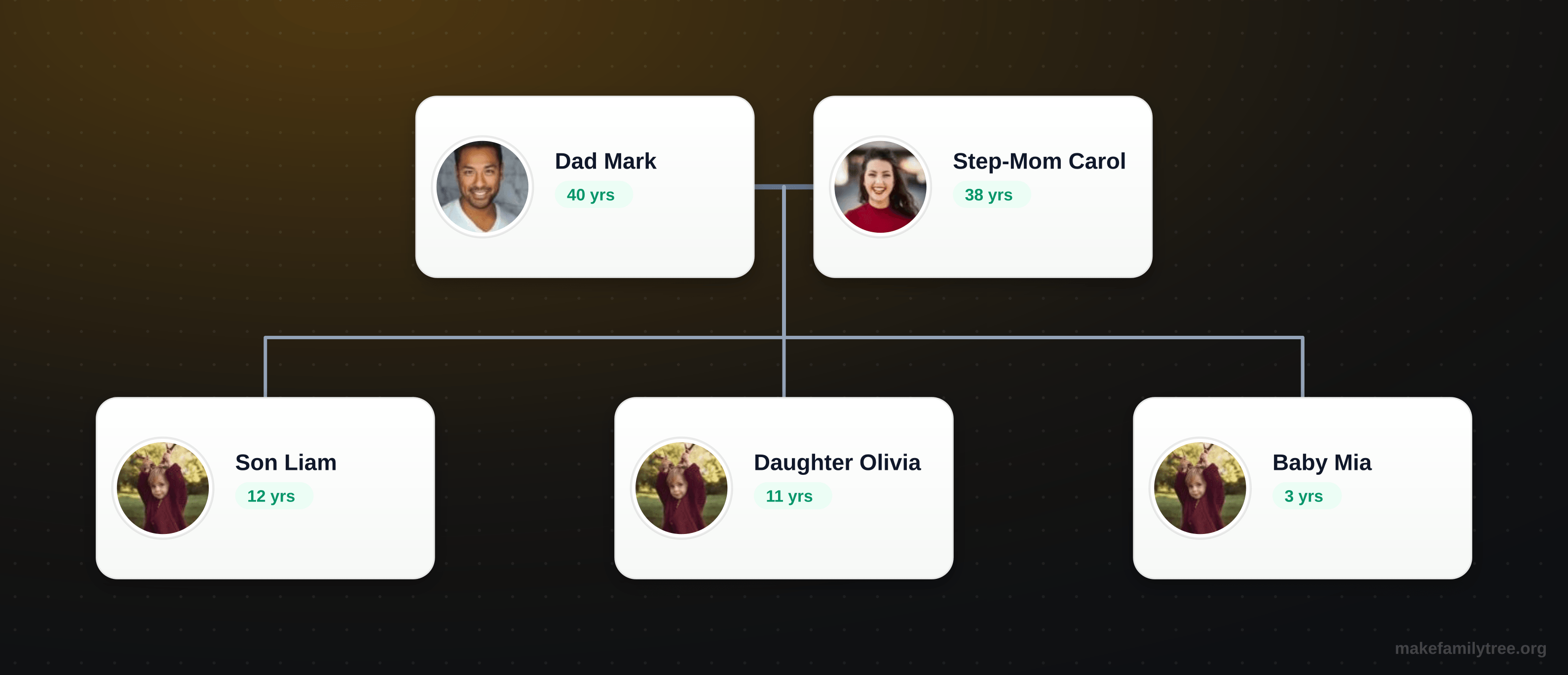
Shows step-children from previous relationships plus a shared child — handles remarriage cleanly.
Best for: Modern blended families and remarriage
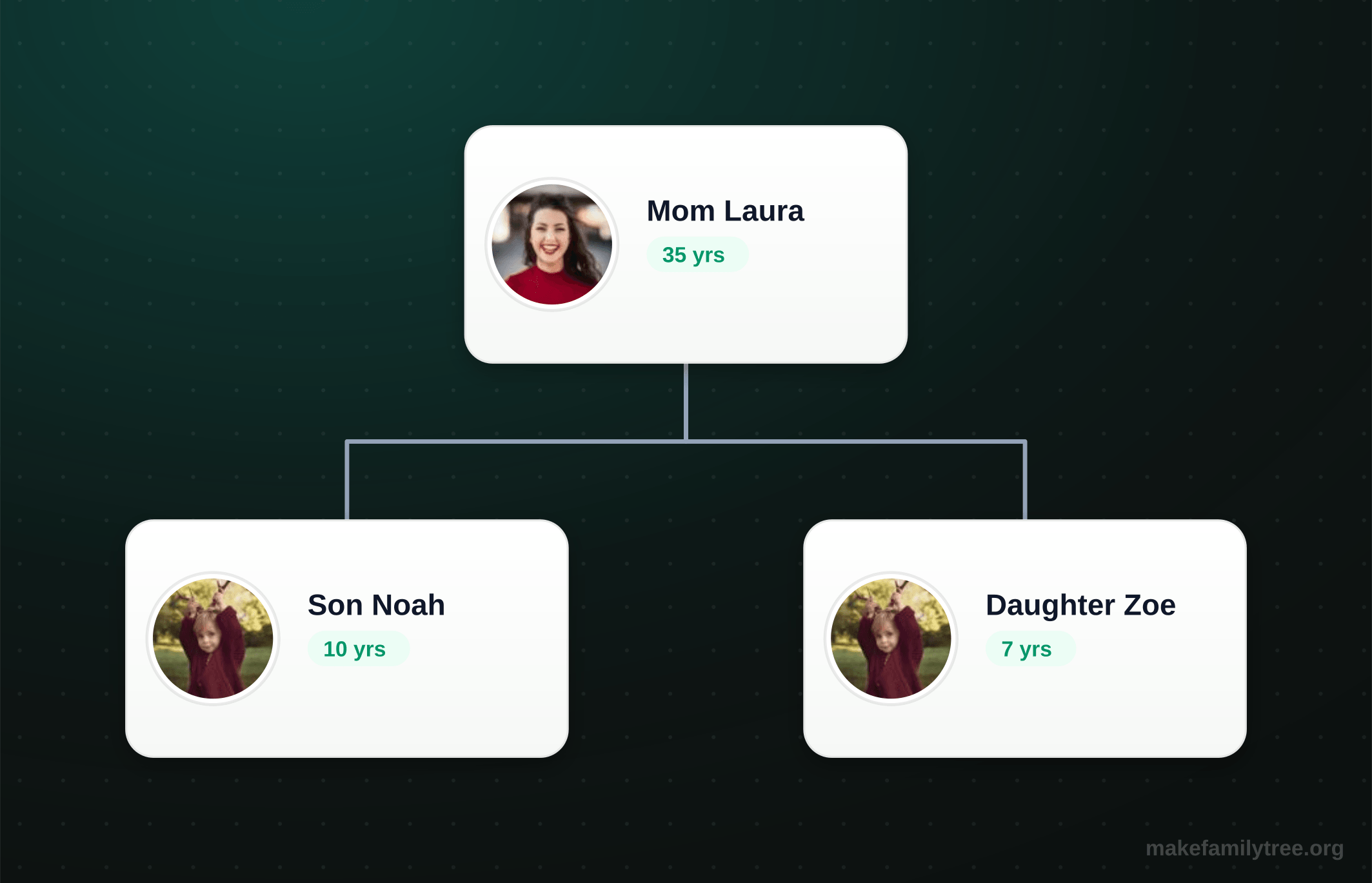
One parent with children — a common real-world structure that is easy to extend later.
Best for: Single-parent households and simple starts
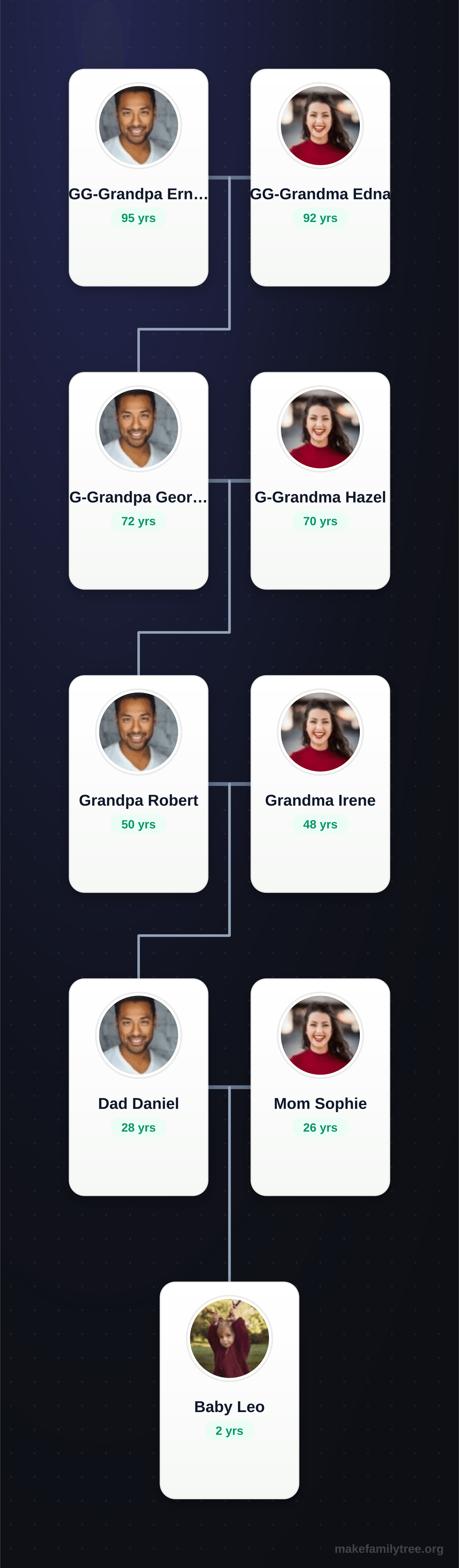
A tall vertical ancestor chart tracing one direct line back five generations.
Best for: Genealogy research and direct-line ancestry
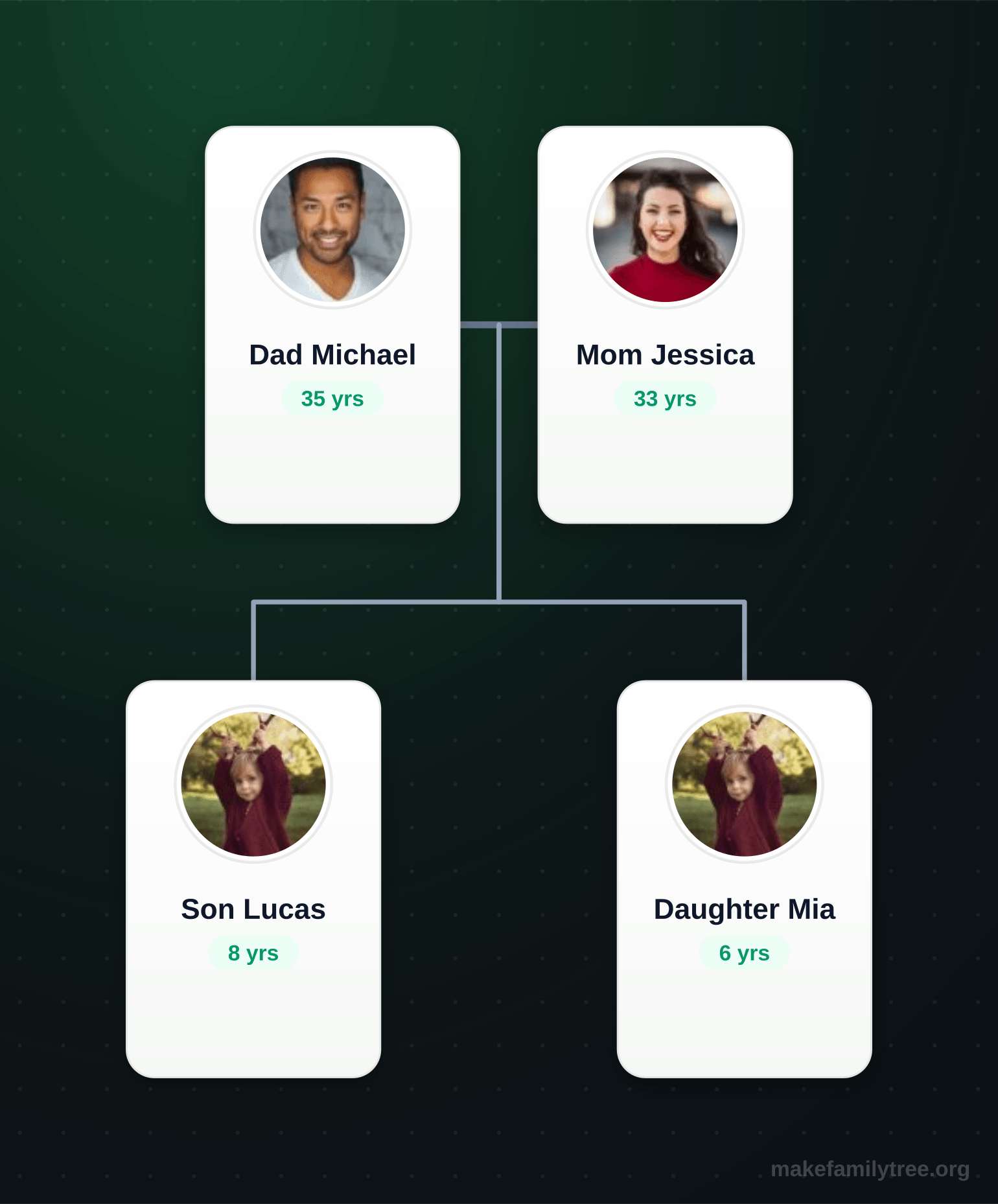
A simple vertical layout for young families with concise, shareable storytelling.
Best for: Fast setup and social sharing
Blank canvas
Add your first person to begin
Start from a clean canvas and build your own family tree from scratch, one person at a time.
Best for: Custom structures and full control
Yes. Every template is completely free. No account, no subscription, no credit card required.
Start with the Default or Four Generation template. They have a clear structure that makes editing easy.
Yes. Return to this page and open any template. Your edits are saved in the browser until you clear them.
Yes. You can export as PNG, JPG, or transparent PNG and share the downloaded image file.