
The Easiest Way to Build a Beautiful Family Tree
Add members, upload photos, and connect generations in minutes. Export a polished PNG, JPG, or transparent PNG that is easy to print, save, or share — right from your browser.

Layout in the real editor: generations align and lines follow your tree as it grows
What is a Family Tree Maker?
A free online tool that turns names and relationships into a clear, shareable chart
A family tree maker is a visual editor for mapping out your family — parents, grandparents, siblings, spouses, and children — connected by clear relationship lines. MakeFamilyTree runs entirely in your browser: you add people, drop in photos and notes, and the chart redraws itself automatically. When you are done, export a high-quality image to print, embed, or share. No account, no software install, no data leaves your device.
Why Choose MakeFamilyTree
Built for families, not for sign-ups
Everything you need to build a clean, recognizable family chart — and nothing that gets in your way.
100% Free, No Account
Open the editor and start building immediately. No login, no trial, no credit card.
Privacy-First
Your tree is saved in your browser only. We never upload your family data to any server.
Smart Auto-Layout
Add parents, spouses, and children — generations align and lines redraw automatically.
Photos & Notes
Attach a portrait, age, and a short bio to each person so relatives are easy to recognize.
One-Click Export
Download a polished PNG, JPG, or transparent PNG for print, slides, or sharing.
Ready-Made Templates
Start from 9 templates — blank, 4-generation, blended, ancestor, and more — and customize.
What It Can Do
Features of Our Family Tree Maker
Focused tools for building a clear visual family tree in your browser, then exporting it as a high-quality image.
Smart Auto-Layout
Keeps generations aligned and redraws relationship lines as you add parents, spouses, and children.
Photos and Notes
Add a profile image, age, gender, and a short note for each person so the chart is easier to recognize.
Image Exports
Download your finished family tree as PNG, JPG, or transparent PNG for printing, slides, or sharing.
Visual Customization
Adjust card style, visible fields, background color, and relationship line appearance to match your project.
Browser-Local Editing
No account is required. Your current tree is saved in browser storage on the device you are using.
Ready-Made Templates
Start from a blank tree, a four-generation chart, an ancestor chart, or an extended family example.
Make a Family Tree in Five Steps
A clear chart starts with structure, then gets better with photos, notes, and careful review.
Choose a scope
Start with three generations, four generations, or one family branch so the chart stays readable.
Add names first
Place people and relationships before spending time on colors, photos, or detailed notes.
Check relationships
Review parent, spouse, child, and sibling connections while the tree is still easy to edit.
Add context
Use photos, ages, and short bios where they help relatives recognize people quickly.
Export a copy
Download a PNG, JPG, or transparent PNG before printing, sharing, or making major revisions.
Start From a Template
Pick a structure and make it yours
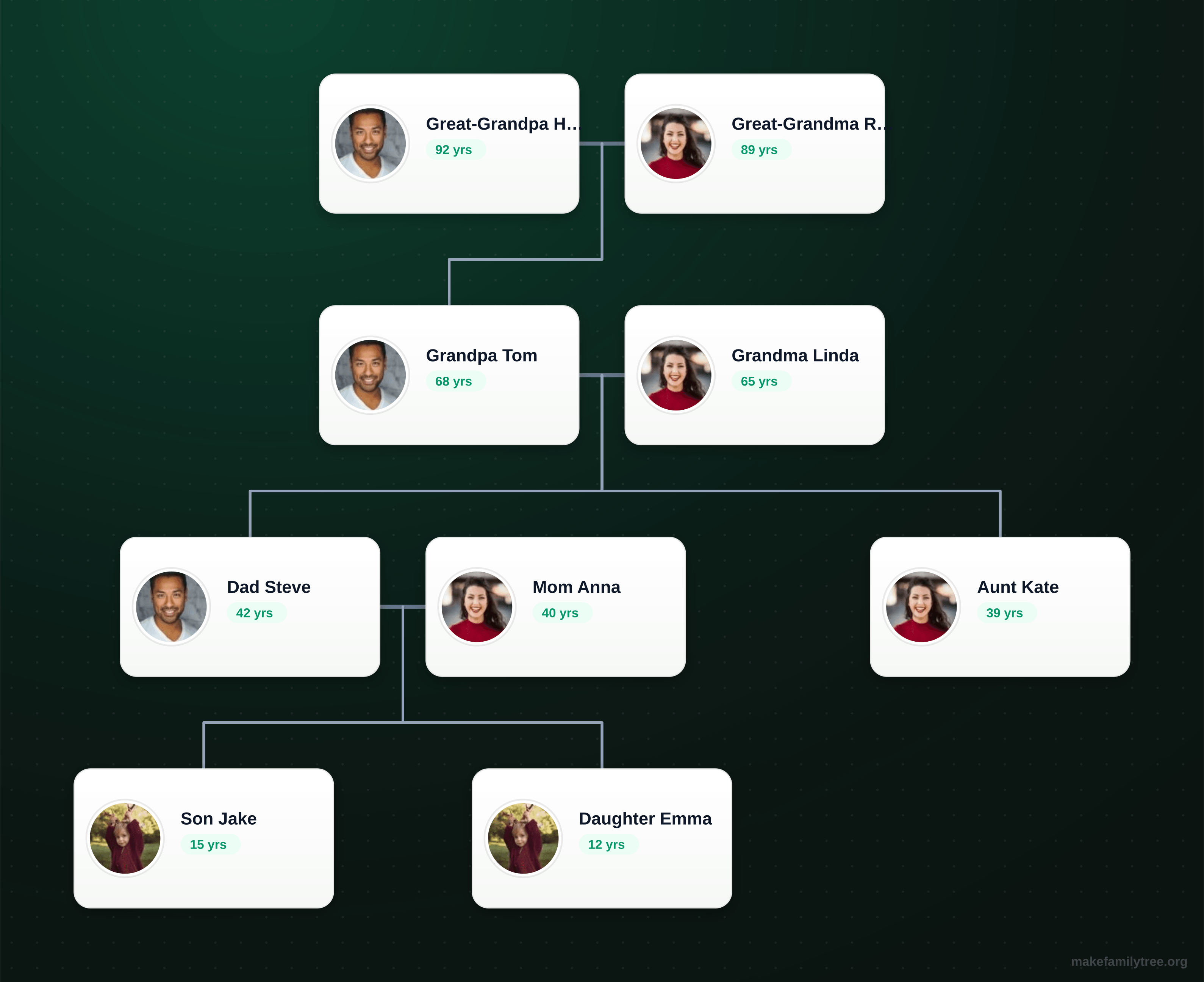
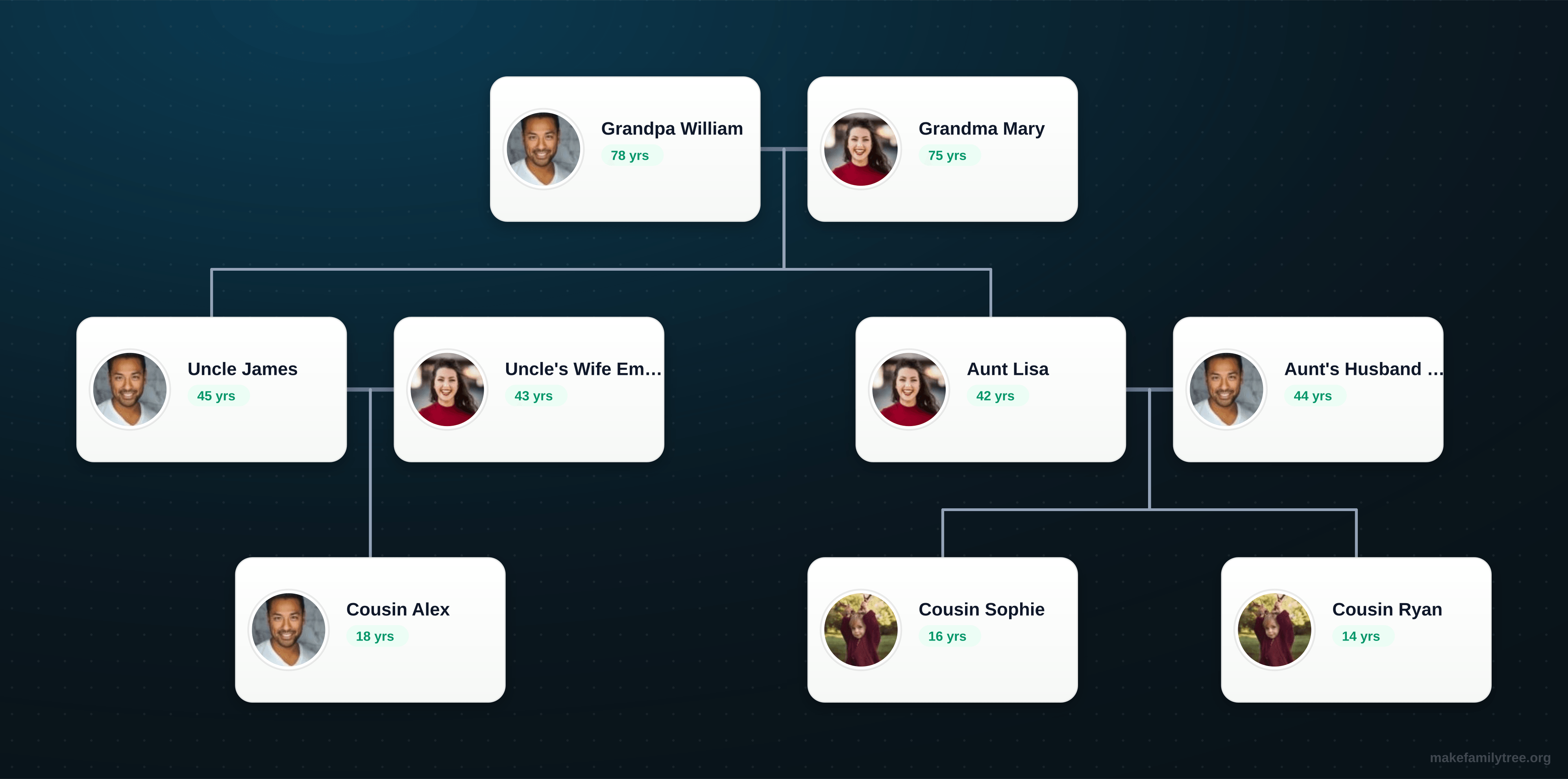
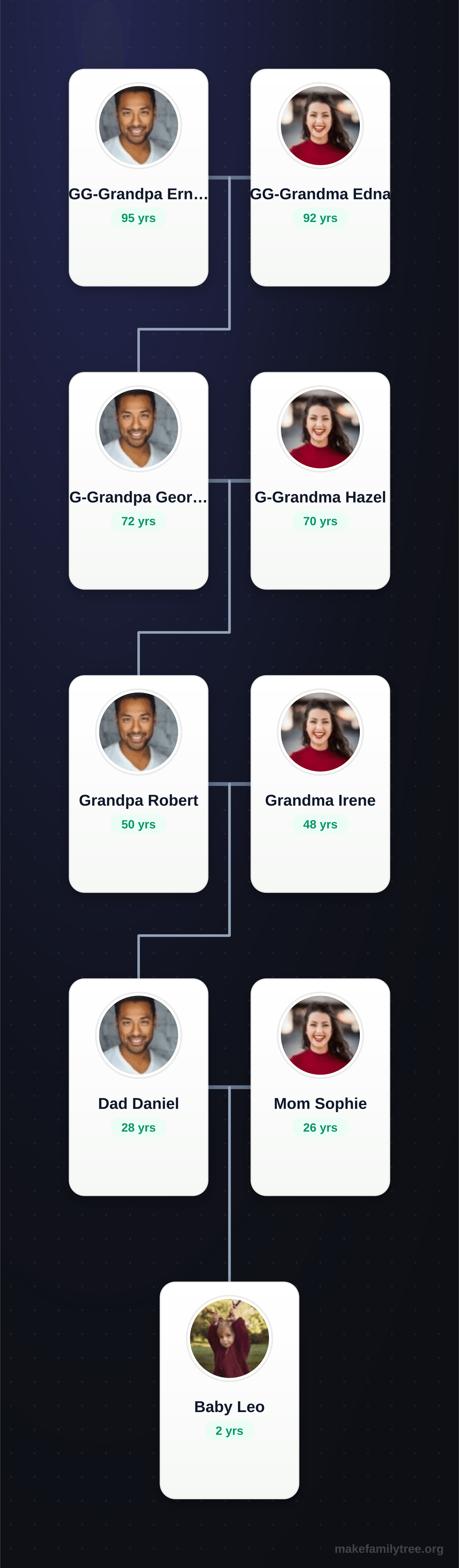
Each preview shows the exact layout you get in the editor. Open one, replace the names, and you are off.
What You Can Build
Start with a small family chart, a school project, or a reunion handout, then refine the layout as your tree grows.
Beginner Family Charts
Map parents, siblings, children, and grandparents before moving into larger branches. A simple first version makes later research easier to organize.
Printable Keepsakes
Create a clean image export for family albums, reunion posters, classroom projects, or a framed gift for relatives.
Photo-Based Trees
Add one portrait and a short note per person so relatives can recognize faces, names, and relationships at a glance.
School Genealogy Projects
A clear, readable chart helps students present family history assignments without wrestling with layout tools.
Reunion Handouts
Print a shared tree for everyone at the reunion, then keep updating it as new branches and cousins are added.
Ancestor Research
Track a direct line back several generations and keep uncertainty, sources, and notes organized visually.
Export, print, and share with fewer surprises
Family Tree Maker exports image files, which makes the final chart easy to place in a document, presentation, message, or print project. Before exporting the final version, check that names are readable, relationship lines are visible, and the tree has enough margin around the edges.
PNG
Crisp text and lines for general digital sharing.
JPG
Smaller image files for simple sharing.
Transparent PNG
For slides or designs without a solid background.
Privacy and backups
Your current tree is saved in browser storage on the device and browser you use. No account is required, but that also means you should export important versions before clearing browser data or switching devices.
For charts that include living relatives, remove exact birth dates, contact details, addresses, and sensitive notes before sharing beyond close family.
Learn Before You Build
Practical guides for planning a family tree, choosing a template, printing clearly, and protecting private family details.
What Is a Family Tree?
Understand the basic terms, chart shapes, and details that belong in a readable family tree.
Collect Family Information
Use a simple checklist for names, photos, dates, relationship details, and review questions.
Choose a Template
Compare blank, four-generation, extended, modern, and large family tree templates.
Printable Tree Guide
Prepare a tree that stays readable on paper with better spacing, text, photos, and contrast.
Privacy Tips
Decide what to share and what to keep private when your chart includes living relatives.
Genealogy Accuracy Tips
Track uncertainty, avoid duplicate people, and review one branch at a time.
Frequently Asked Questions
Get answers to common questions about Family Tree Maker.
Is Family Tree Maker free to use for building a family tree?
What export formats are supported?
How secure is my family tree data?
Can I collaborate or share my family tree with others?
Can I customize the design of my family tree?
What should I prepare before making a family tree?
Ready to begin?
Start with a small confirmed branch, then build a clear chart you can export, review, and improve over time.
Start Creating Your Family Tree